

This native integration requires a Zencoder account.
Overview
The Notion integration gives the AI agent access to your Notion workspace. Read pages and databases, create new entries, update records, and build structured dashboards — enabling automated documentation, tracking, and knowledge management.Notion integration is based on Notion MCP
Connecting Notion
1
Open Settings & Integrations
Navigate to Settings → Integrations in the Zenflow sidebar.
2
Find Notion
Locate Notion in the Integrations Catalog.
3
Click Connect
Click the Connect or [+] button on the Notion card.
4
Authorize Connection
Authenticate and authorize Zenflow to access your Notion workspace via the secure OAuth popup window:
Check 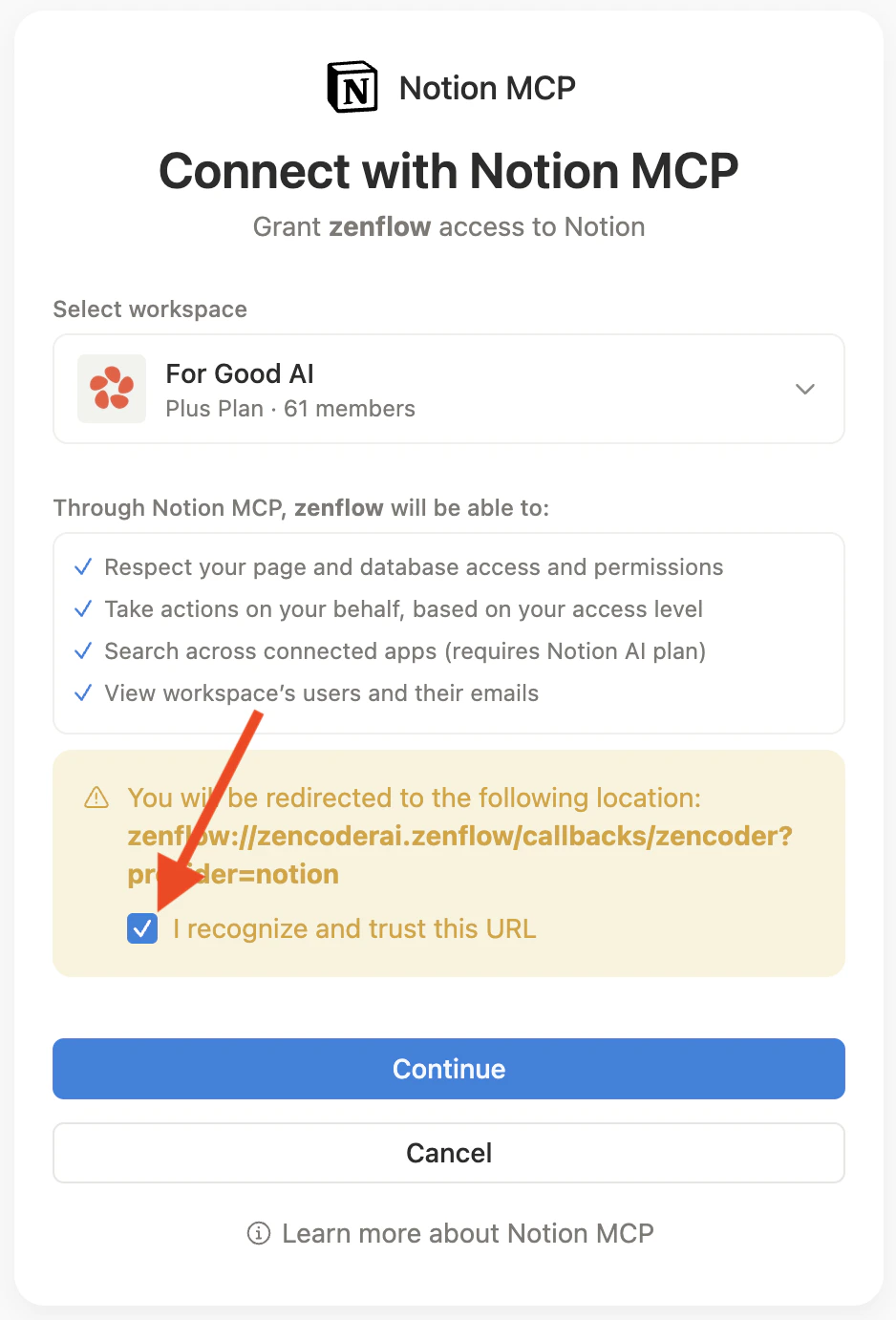
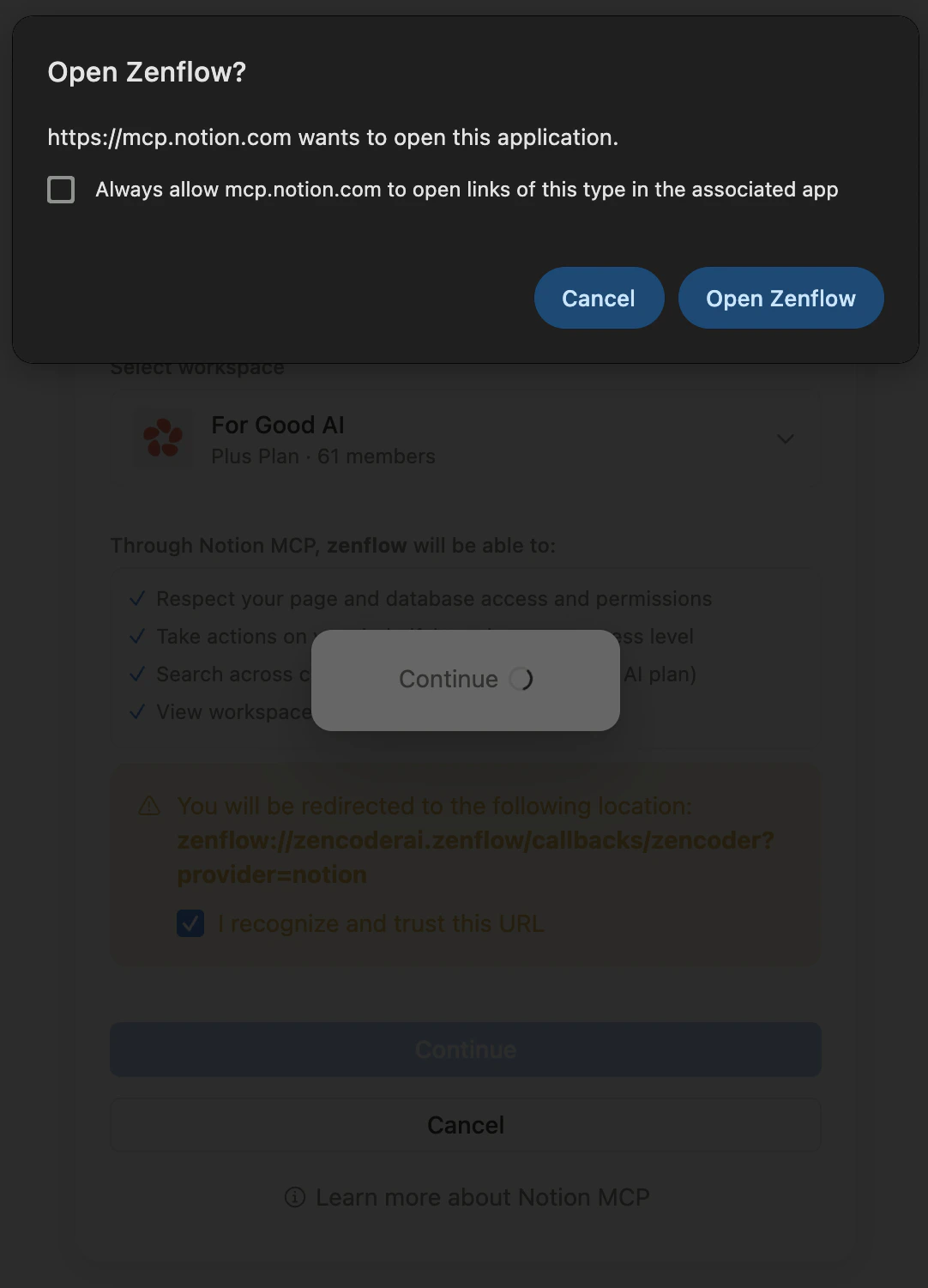
I recognize and trust this URL checkbox and click Continue5
Integration enabled

What the Agent Can Do
- Read — Search and read pages, databases, and wiki entries
- Create — Add new pages, database entries, and structured records
- Update — Modify existing pages, properties, and database fields
- Build dashboards — Create structured trackers, tables, and status boards
Example Use Cases
- Sync sprint progress from Linear or Jira into a Notion dashboard
- Create onboarding checklists for new hires automatically
- Archive customer quotes and testimonials from email into a Notion database
- Maintain a running competitive intel page updated weekly