

General
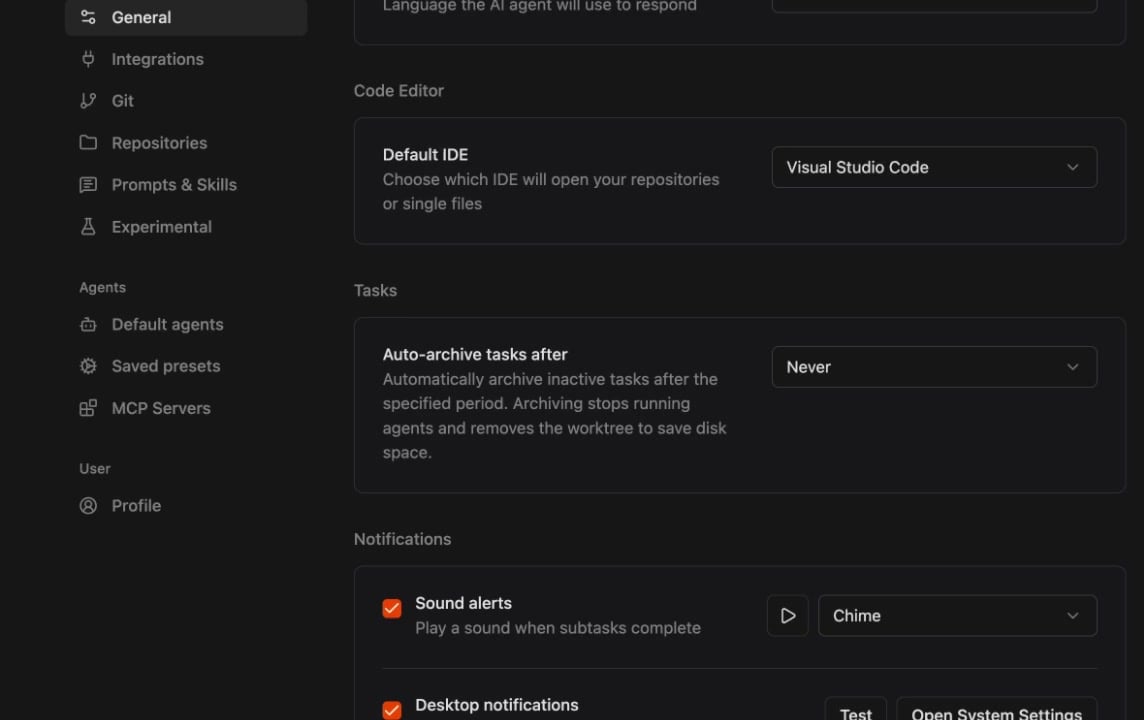
Integrations
Connect Zenflow to external tools. See Integrations for the full list of supported apps (GitHub, Linear, Jira, Slack, Notion, and more).Git
Configure how Zenflow handles commits and pushes. See Tracking Changes for details.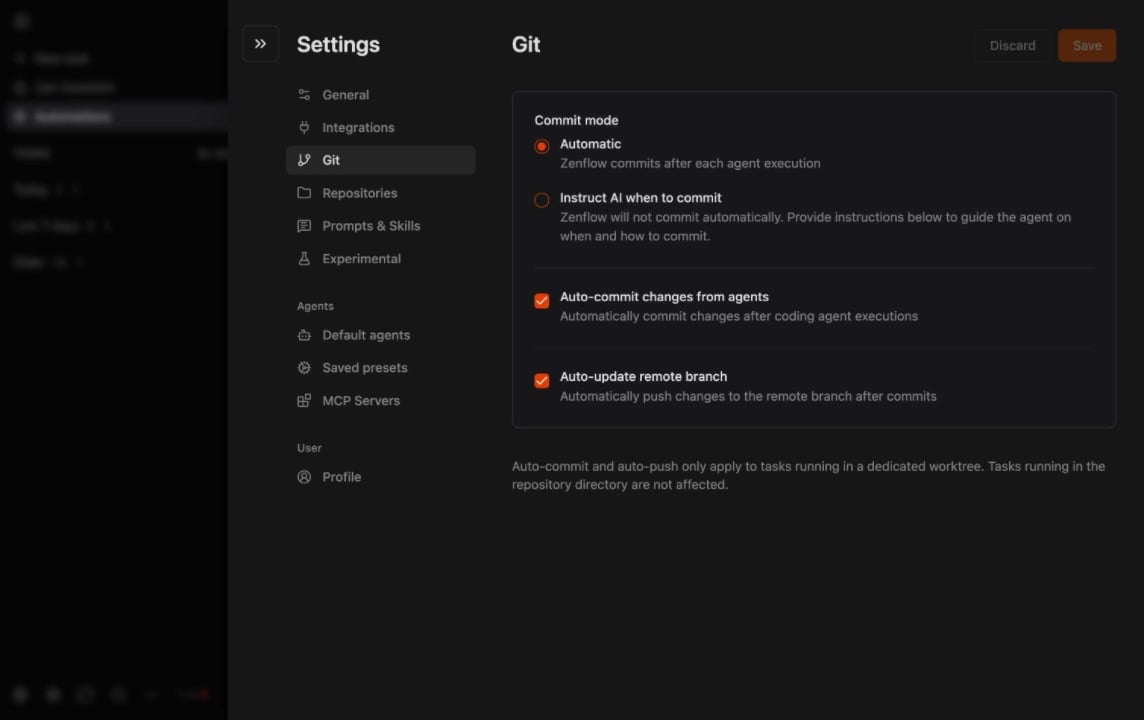
Repositories
Manage connected repositories. Each repository has its own configuration page with:- Project Name — Display label for the project picker
- Git Repository Path — Absolute path to the repo Zenflow clones into task worktrees
- Scripts & Automation — Setup, Dev Server, and Cleanup scripts
- Copy Files — Local-only files (e.g.,
.env) copied into each worktree - AI Rules — Rule folders and always-include rule files agents follow
Prompts & Skills
Manage Saved Prompts and Skills from a single page.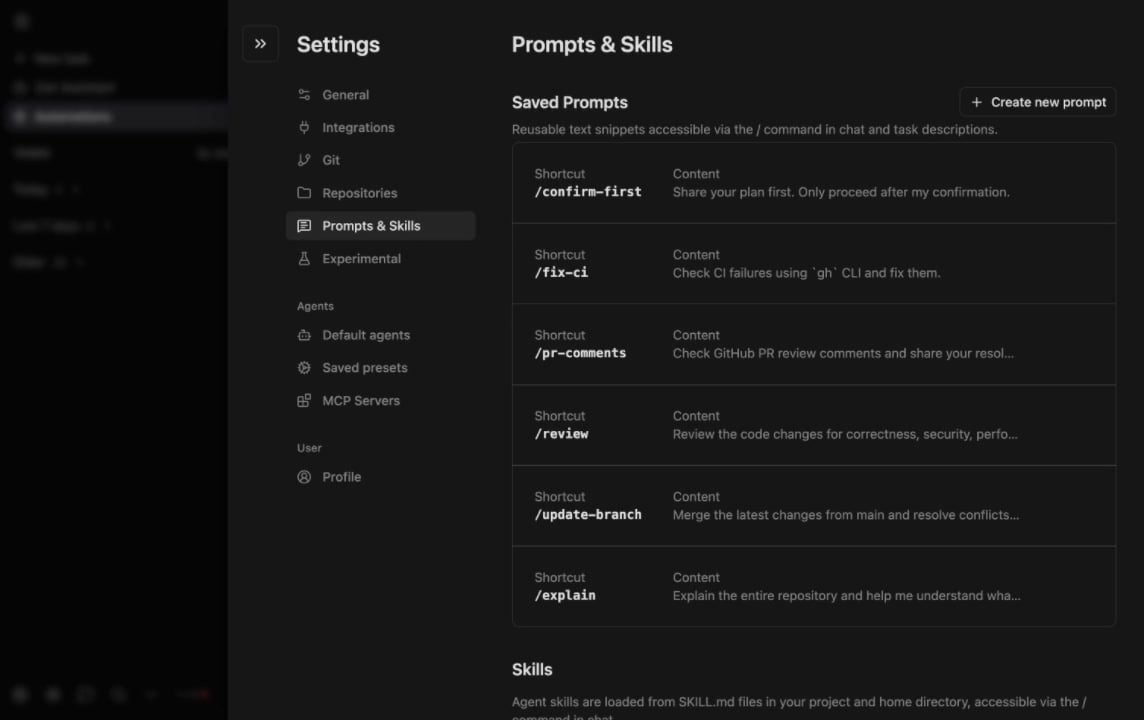
- Saved Prompts — Reusable text snippets accessible via
/command - Skills — Agent skills loaded from
SKILL.mdfiles in your project
Experimental
Early-access features that may change. Enable or disable experimental capabilities here.Default Agents
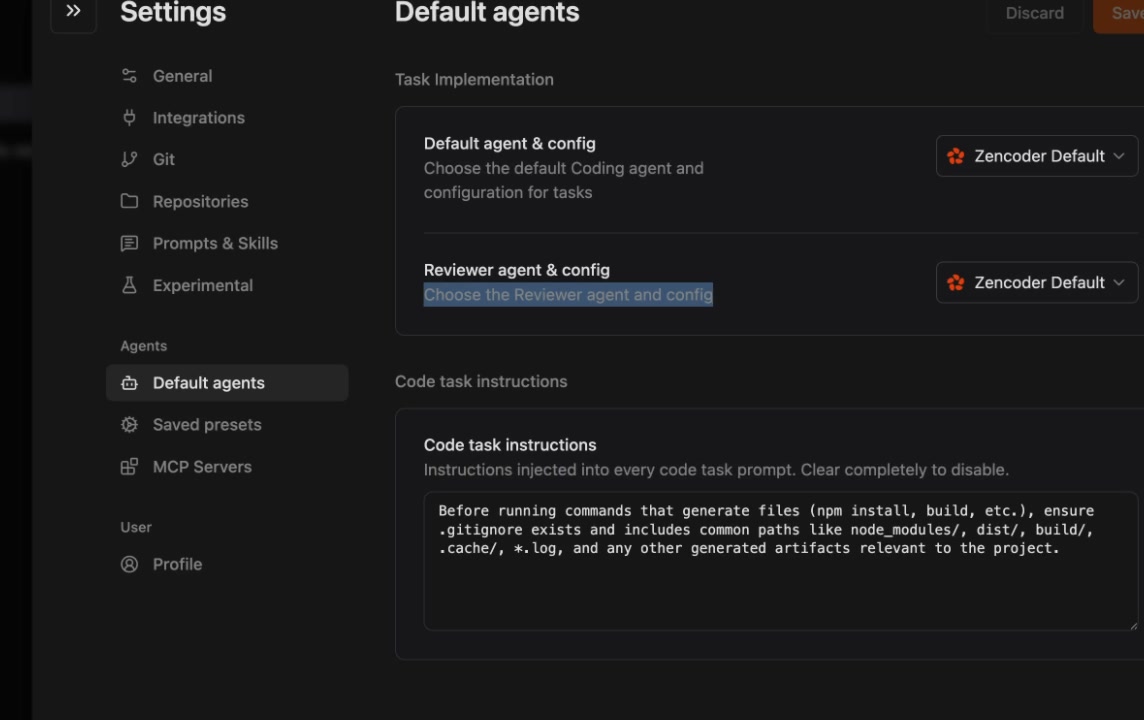
Saved Presets
Create and manage named agent configurations. Each preset defines a coding agent, model, and permission mode.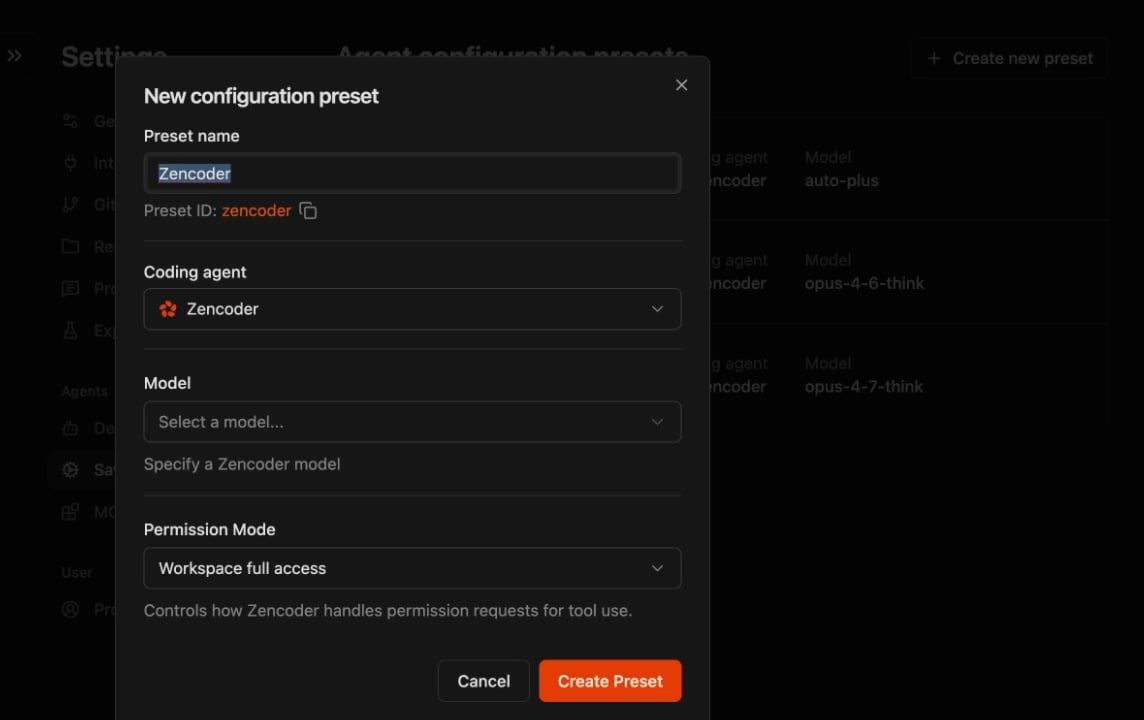
MCP Servers
Configure Model Context Protocol servers for extended tool access. See MCP Servers for details.Profile
- Update your name, email, and authentication methods
- Review workspace membership and access levels