Credit Overview
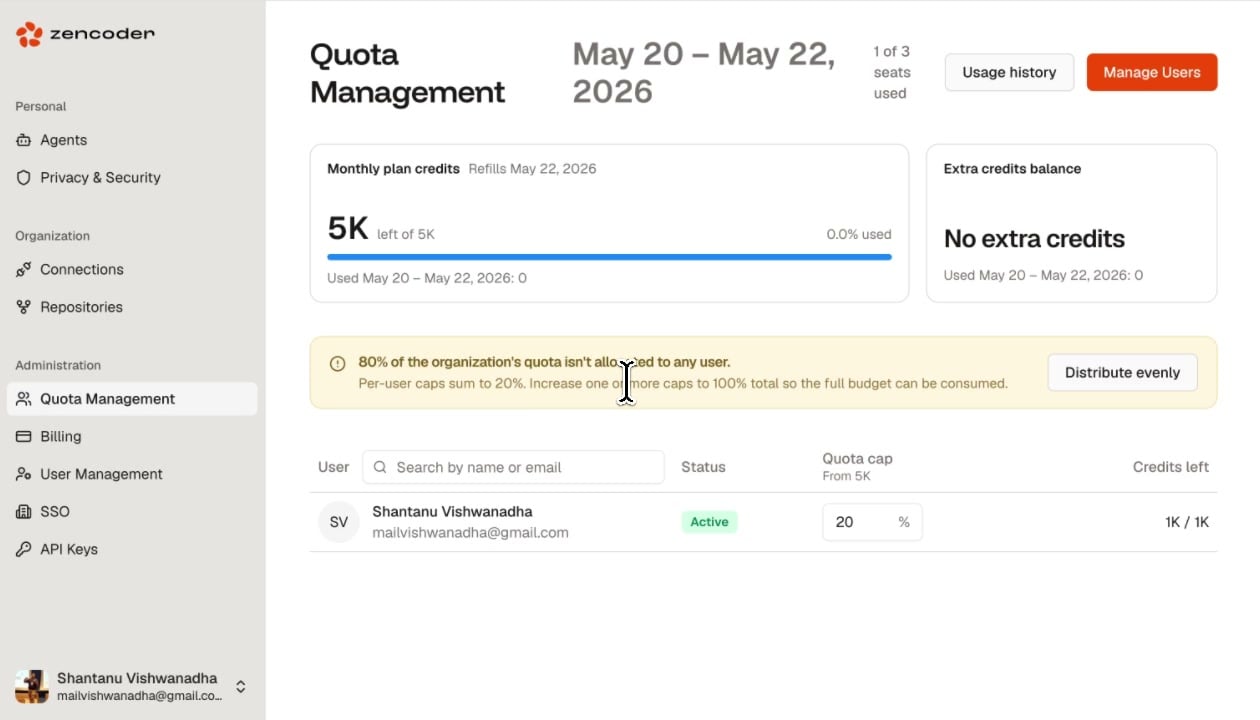
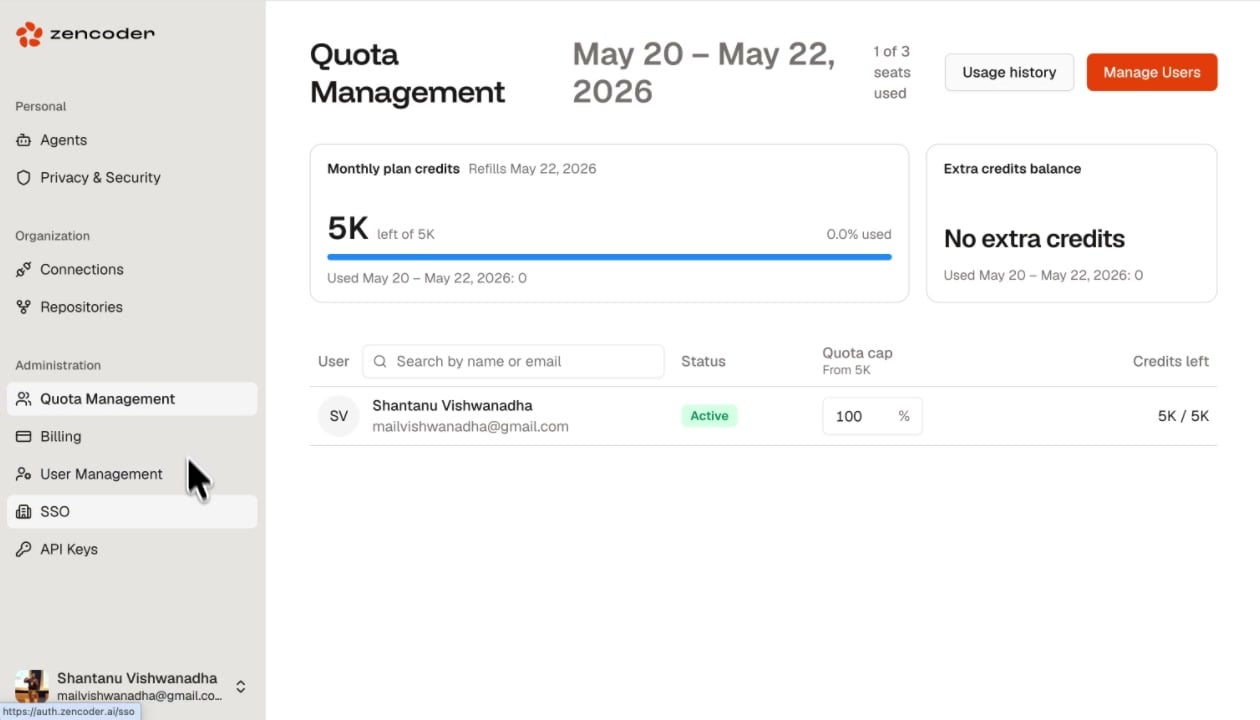
The top section shows two cards:
The billing period and usage window are displayed at the top (e.g., May 20 - May 22, 2026), along with the number of seats used (e.g., 1 of 3 seats used).
Per-User Quotas
The user table shows each team member with:Setting Quota Caps
Adjust the Quota cap percentage to control how much of the organization’s total credits each user can consume. For example, setting a user to 20% on a 5K plan limits them to 1K credits.