

IDE and Tool Integration
Set up Zencoder in your development environment to start using all features.IDE Integration
Install and configure Zencoder in VS Code, JetBrains IDEs, and Android Studio.
External Integrations & MCP
Connect with Jira and other tools via Chrome Extension and MCP for seamless workflow integration.
Guided Workflows in the IDE
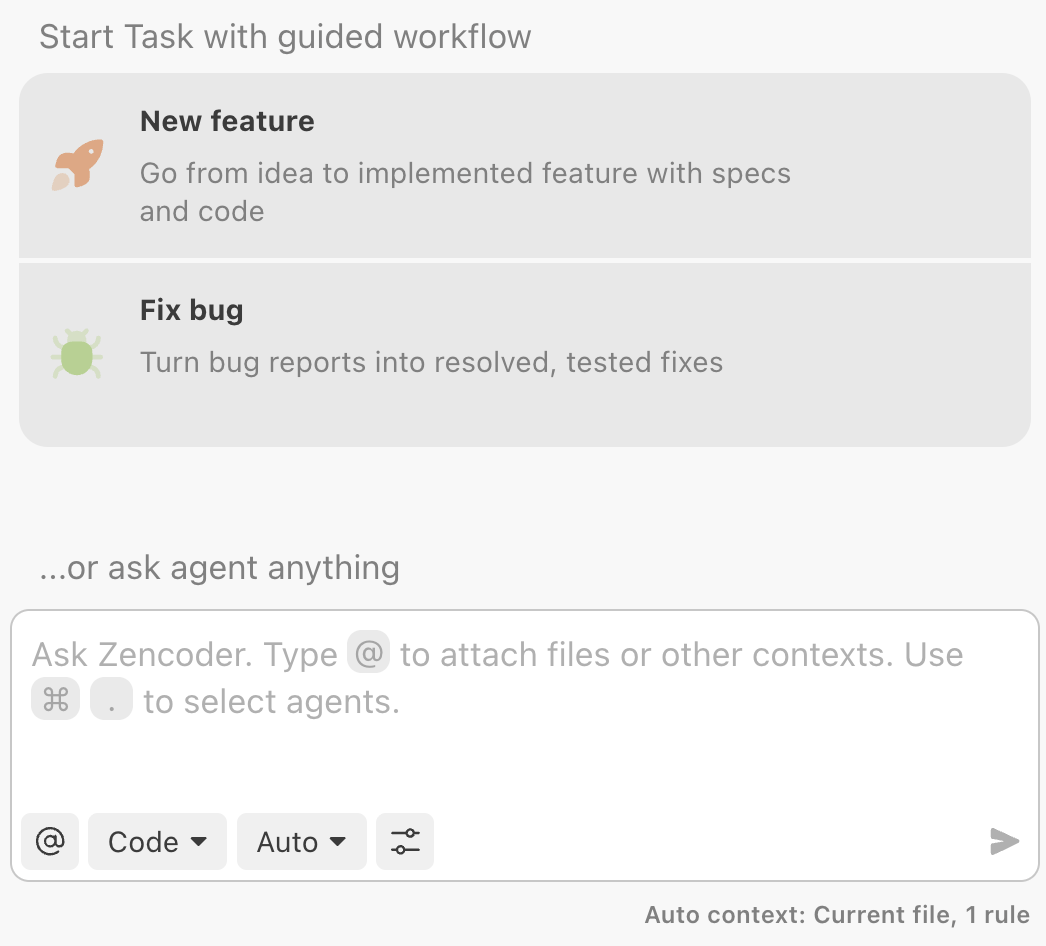
Launch common task types without leaving your editor. The IDE panel surfaces guided workflows so every request starts with the right structure instead of an ad-hoc prompt.Default workflow options
- New feature moves from idea to spec to implementation with built-in checkpoints for planning and verification.
- Fix bug front-loads investigation, root-cause capture, and regression testing so bug reports become tested fixes.
Add custom workflows
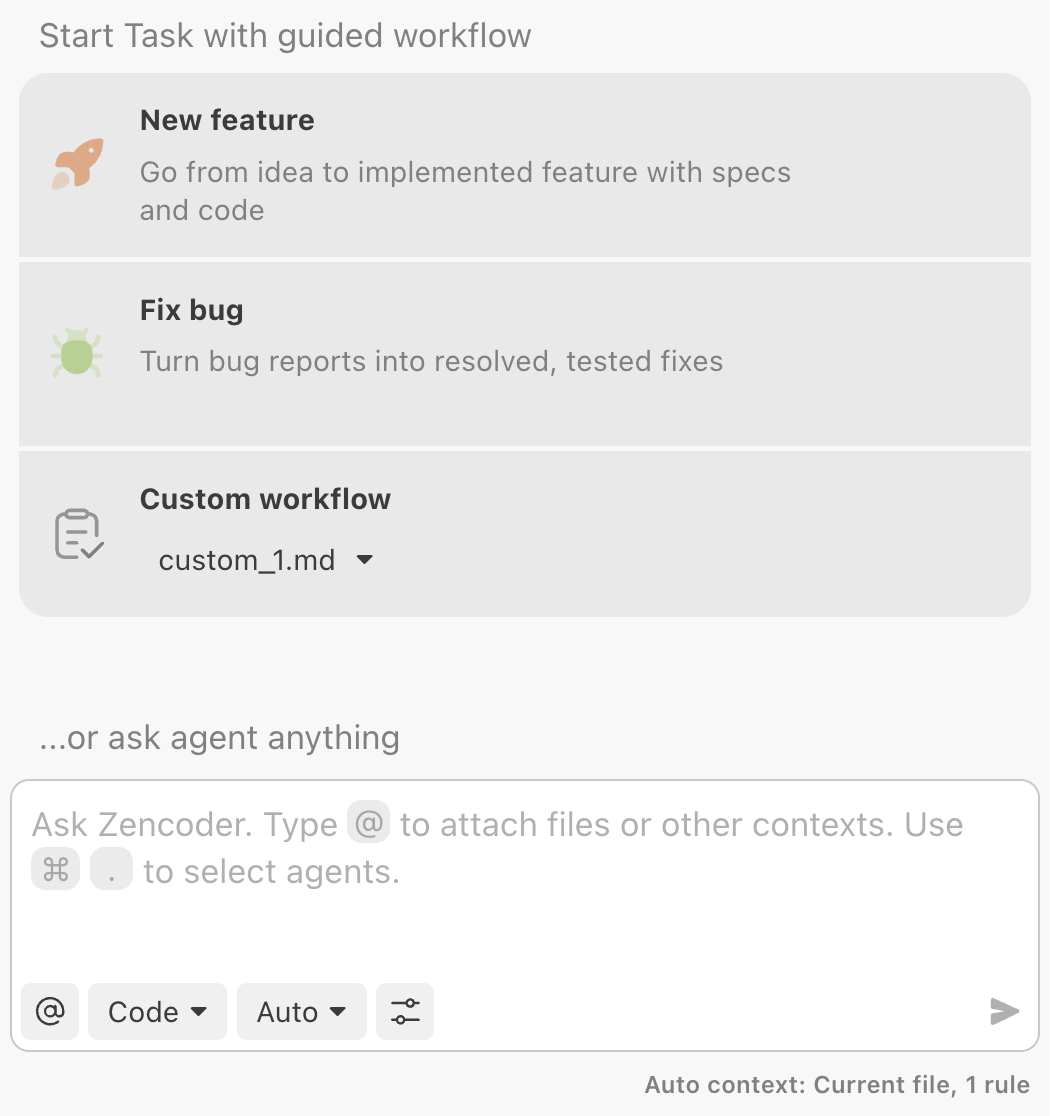
Teams can expose domain-specific flows (security reviews, release cut-overs, etc.) right next to the defaults:
- Create
.zenflow/workflows/<workflow-name>.mdin your repo root (or~/.zenflow/workflows/for user-level workflows). - Define configuration metadata (Artifacts Path, owners) and write each step as with links to artifacts such as .
- Commit the file—Zenflow automatically lists it under Custom workflow inside the IDE selector.
AI Agents
Specialized AI agents that automate complex coding tasks and processes.Repo-Info Agent
Generate comprehensive project context snapshots that enhance all other agents’ understanding of your codebase.
Unit Testing Agent
Generate comprehensive test suites with appropriate mocks and assertions for your testing framework.
E2E Testing Agent
Create end-to-end tests for web applications using Playwright with natural language descriptions.
AI Agents
Create and configure specialized agents for your specific development workflows and tasks.
Code Assistance, Quality and Understanding
Tools that help you write, improve, and understand code more efficiently.Ask Agent
Query your codebase, ask technical questions, and get code-aware responses specific to your project.
Code Generation
Generate context-aware code snippets that integrate seamlessly with your existing codebase.
Code Completion
Get intelligent code suggestions as you type, based on your project’s context and patterns.
Debugging
Identify and resolve coding issues with step-by-step analysis and solution recommendations.
Code Refactoring
Restructure existing code to improve readability and maintainability without changing functionality.
Code Repair
Automatically detect and fix errors, optimize performance, and enhance code quality.
Documentation
Tools for creating and maintaining code documentation.Feature Usage Tips
- For project setup, start with the Repo-Info Agent to create comprehensive project context that enhances all other agent capabilities.
- For quick answers, use the Ask Agent to ask questions about your code and get context-aware responses.
- For new implementations, use the Coding Agent to generate complete solutions that integrate with your existing codebase.
- For existing code, apply Code Refactoring and Code Repair to improve quality and maintainability.
- For maintenance, generate Documentation and run the Unit Testing Agent to ensure code longevity and reliability.