

Zencoder provides specialized agents for different development tasks. Each agent has a specific scope and toolset.Documentation Index
Fetch the complete documentation index at: https://docs.zencoder.ai/llms.txt
Use this file to discover all available pages before exploring further.
Accessing Agents
All agents are easily accessible through a unified interface:Open Agent Selector
Mac: Press
Windows/Linux: Press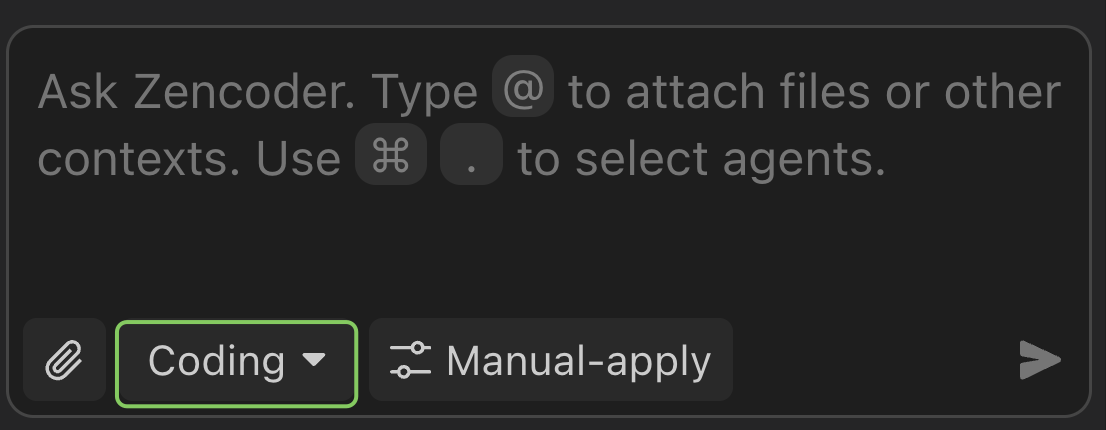
Cmd + . (Command + Period)Windows/Linux: Press
Ctrl + . (Control + Period)Choose Your Agent
Select from the dropdown menu showing both Core Agents and your custom AI Agents.The green section in the image contains Zencoder’s default core agents, while the blue section shows your custom AI agents. You can also use the search bar at the top to quickly find specific agents.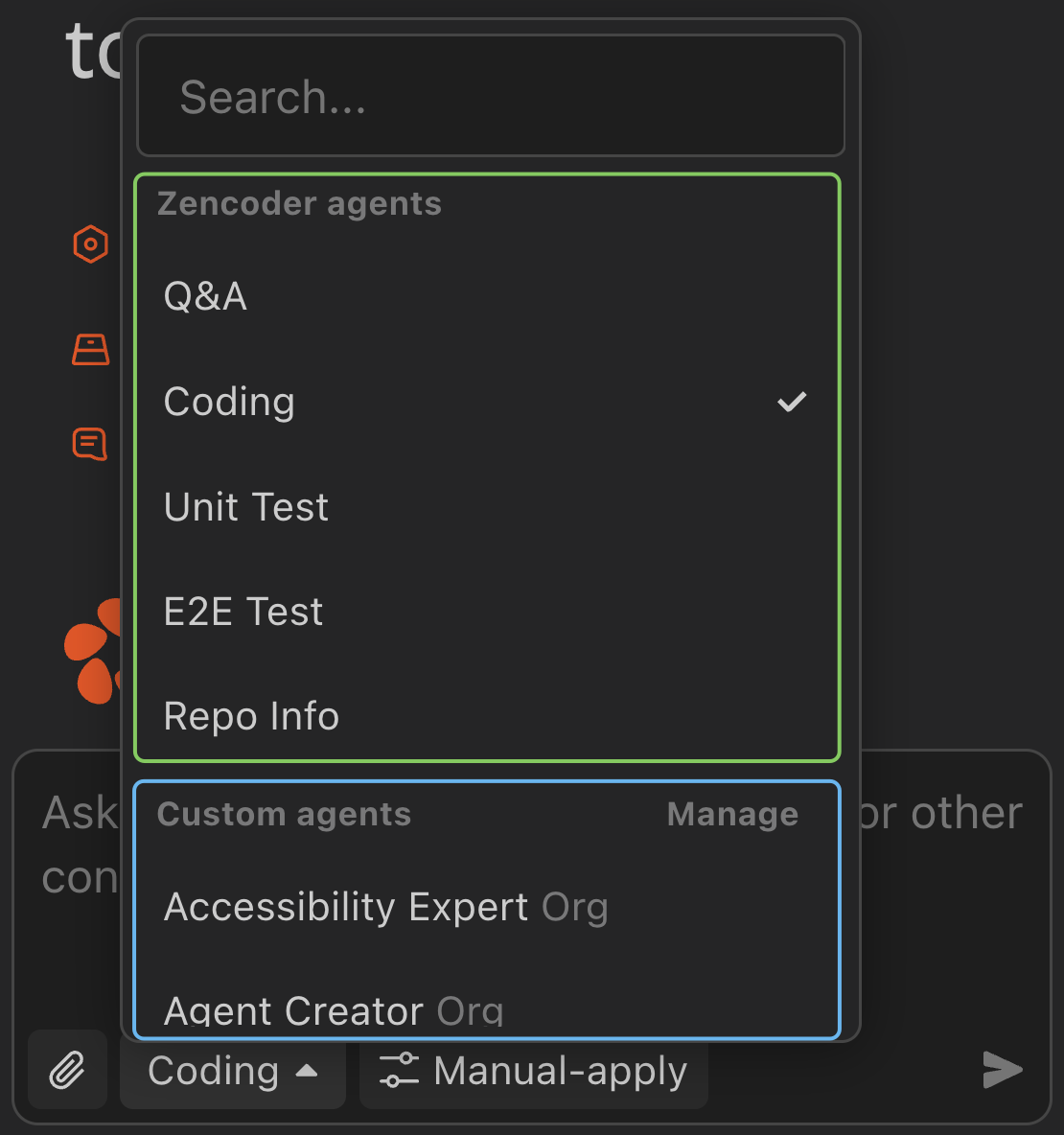
Core Agents
These specialized agents are built and maintained by Zencoder, each designed for specific development tasks and workflows.Ask Agent
Read-only Q&A about your codebase — explanations, debugging help, and best-practice suggestions.
Coding Agent
Multi-file code generation, modification, and refactoring with codebase context, validation, and error correction.
Web Dev Agent
Design-to-code workflows for web UIs. Generates HTML/CSS/JS, validates in a real browser via Playwright, and iterates on console feedback.
Unit Testing Agent
Generates test suites using your project’s testing framework, with mocks and assertions matching your patterns.
E2E Testing Agent
Creates Playwright-based end-to-end tests that simulate user interactions and validate workflows.
Repo Info Agent
Generates a project snapshot (.zencoder/rules/repo.md) of your structure, dependencies, and conventions. Automatically included in other agents’ context.
AI Agents (Zen Agents)
User-defined agents with custom instructions, tools, and commands for recurring tasks.Custom AI Agents
Define reusable agents for code review, documentation, refactoring, or domain-specific workflows. Shareable across your team.
Typical Agent Workflow
Begin with Repo-Info
For new projects, start with the Repo Info Agent to establish comprehensive project context
Use Ask for Questions
The Ask Agent is perfect for understanding existing code, getting explanations, and planning your approach
Switch to Coding Agent for Implementation
When you need to create or modify code across multiple files, the Coding Agent provides the advanced capabilities needed for complex development tasks
Add Testing Coverage
Use the Unit Testing and E2E Testing agents to generate tests
Agent Relationships
Understanding how agents work together can improve your development workflow:Repo Info Agent Enhances All Others
Repo Info Agent Enhances All Others
Running the Repo Info Agent first provides comprehensive project context that improves the performance and accuracy of all other agents. It’s recommended to run this agent when you first open a project.
Coding Agent + Testing Agents
Coding Agent + Testing Agents
Use the Coding Agent to implement features, then leverage the Unit Testing and E2E Testing Agents to ensure comprehensive test coverage for your new code.
Ask Agent as Your Starting Point
Ask Agent as Your Starting Point
The Ask Agent is ideal for asking questions about your codebase and getting advice while maintaining full understanding of your project context. Use it for general questions and planning - it won’t make code changes but serves as an excellent starting point for understanding your current project.
Each agent is designed to excel at specific tasks. Feel free to start new chats with different agents to work on specific tasks as your needs change throughout your development workflow.