

This native integration requires a Zencoder account.
Overview
Zenflow integrates with Linear to sync tasks and issues between both platforms. Create Zenflow tasks from Linear issues, push status updates back, and keep your project management in sync with AI-driven development work.Connecting to Linear
1
Open Settings & Integrations
Navigate to Settings → Integrations in the Zenflow sidebar.
2
Find Linear
Locate Linear in the Integrations Catalog.
3
Click Connect
Click the Connect or [+] button on the Linear card.
4
Authorize Connection
Authenticate and authorize Zenflow to access your Linear workspace via the secure OAuth popup window:
Click Authorize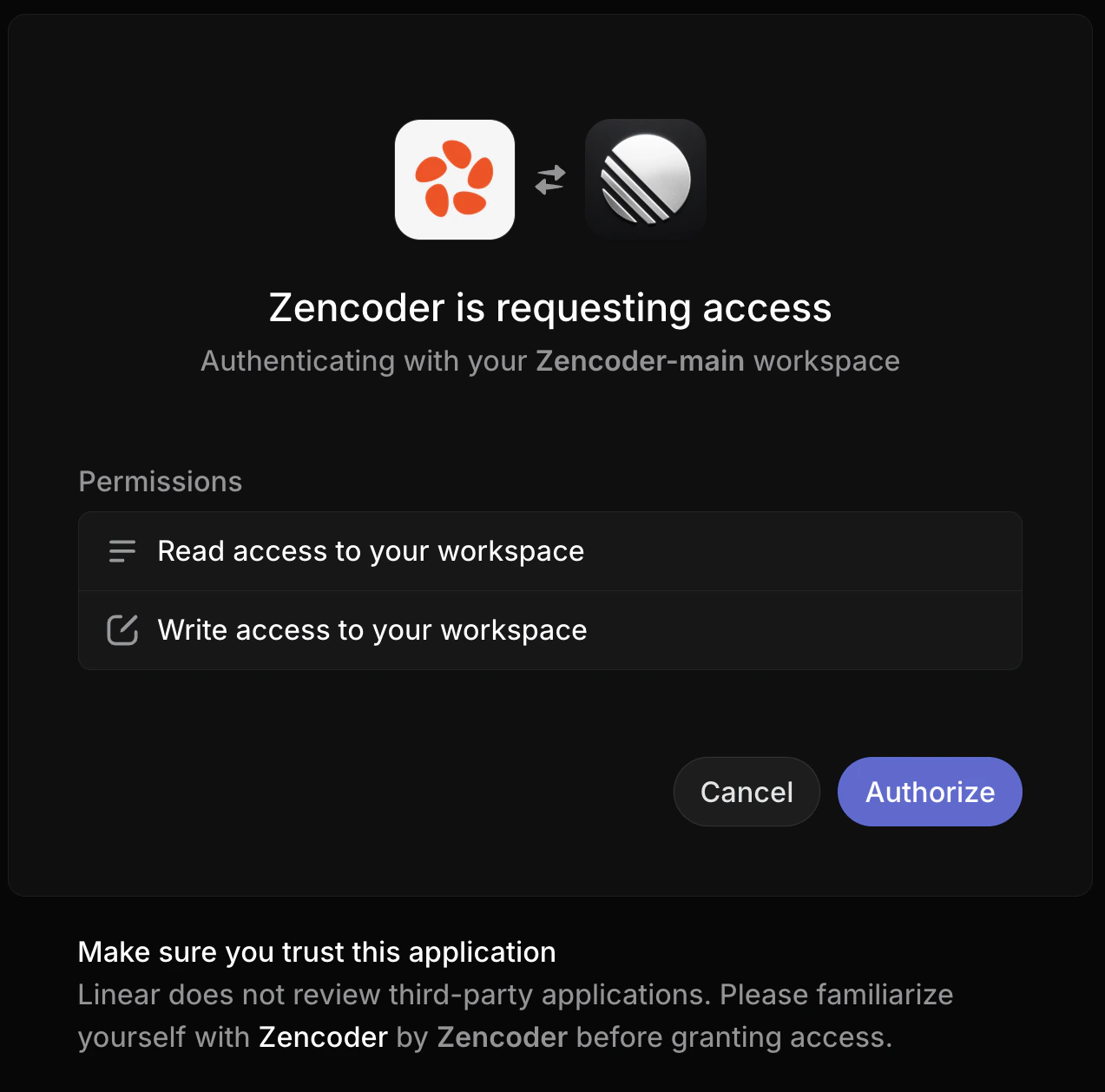
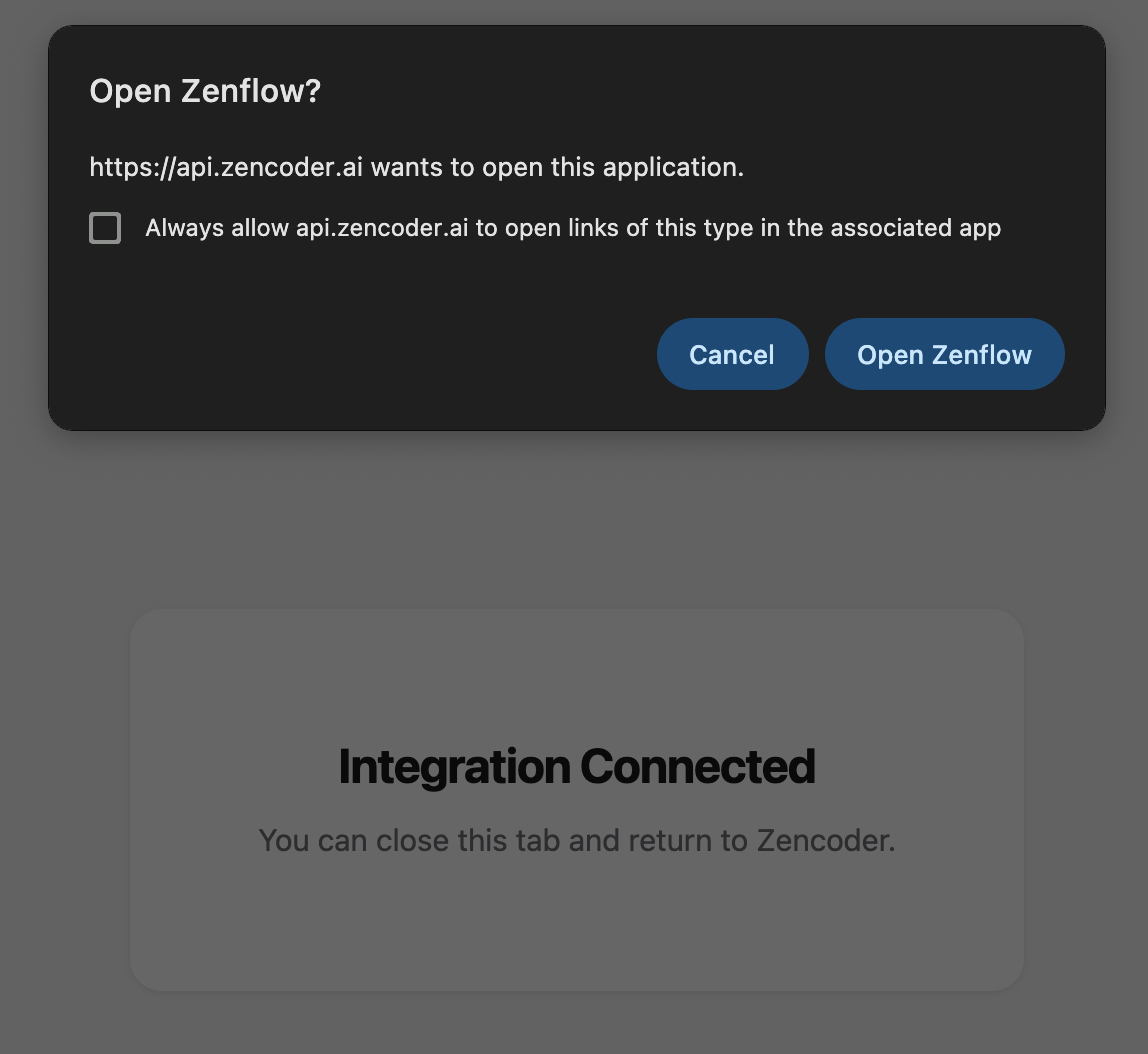
5
Integration enabled

Features
Create Tasks from Linear Issues
Pull Linear issues directly into Zenflow as tasks:- Open the task creation dialog
- Select Import from Linear
- Choose the issue to work on
- Zenflow creates a task with the issue context pre-filled
Status Sync
Zenflow syncs task status back to Linear:Branch and PR Linking
When a task creates a branch or PR, Zenflow attaches the link to the corresponding Linear issue for traceability.Next Steps
GitHub Integration
Connect to GitHub for PRs
MCPs
Add more tool integrations