

Documentation Index
Fetch the complete documentation index at: https://docs.zencoder.ai/llms.txt
Use this file to discover all available pages before exploring further.
Overview
The HubSpot integration gives the AI agent full CRM access. Read and update contacts, manage deals and tickets, track email campaigns, query analytics, and trigger workflows — all from within a Zenflow task.HubSpot integration is based on HubSpot MCP
Connecting to HubSpot
Open Zenflow Settings
Navigate to Settings in the Zenflow sidebar (the gear icon at the bottom left).
Authorize the app
You’ll be redirected first to account selection page (if you have only one account, you might not see this screen)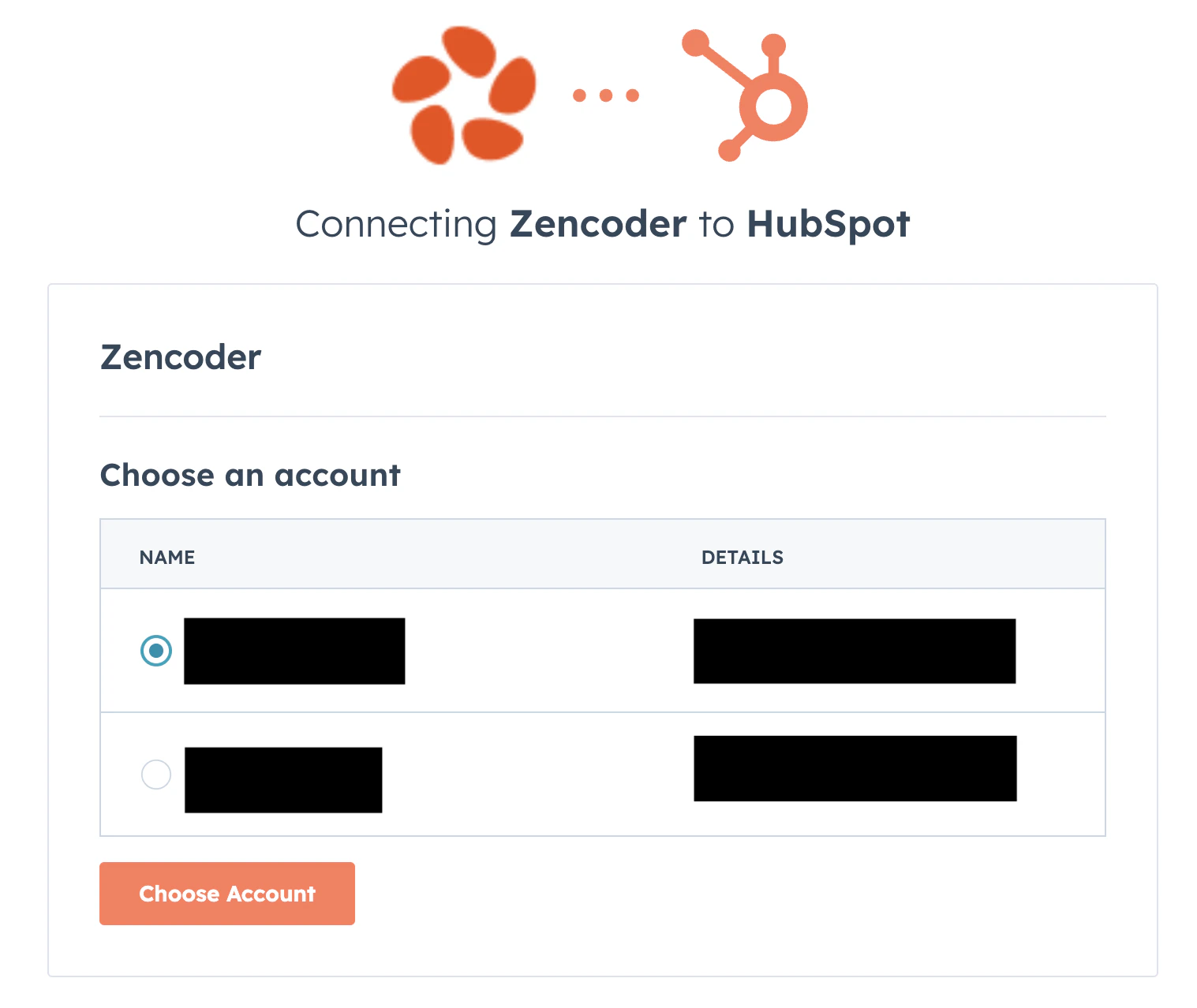
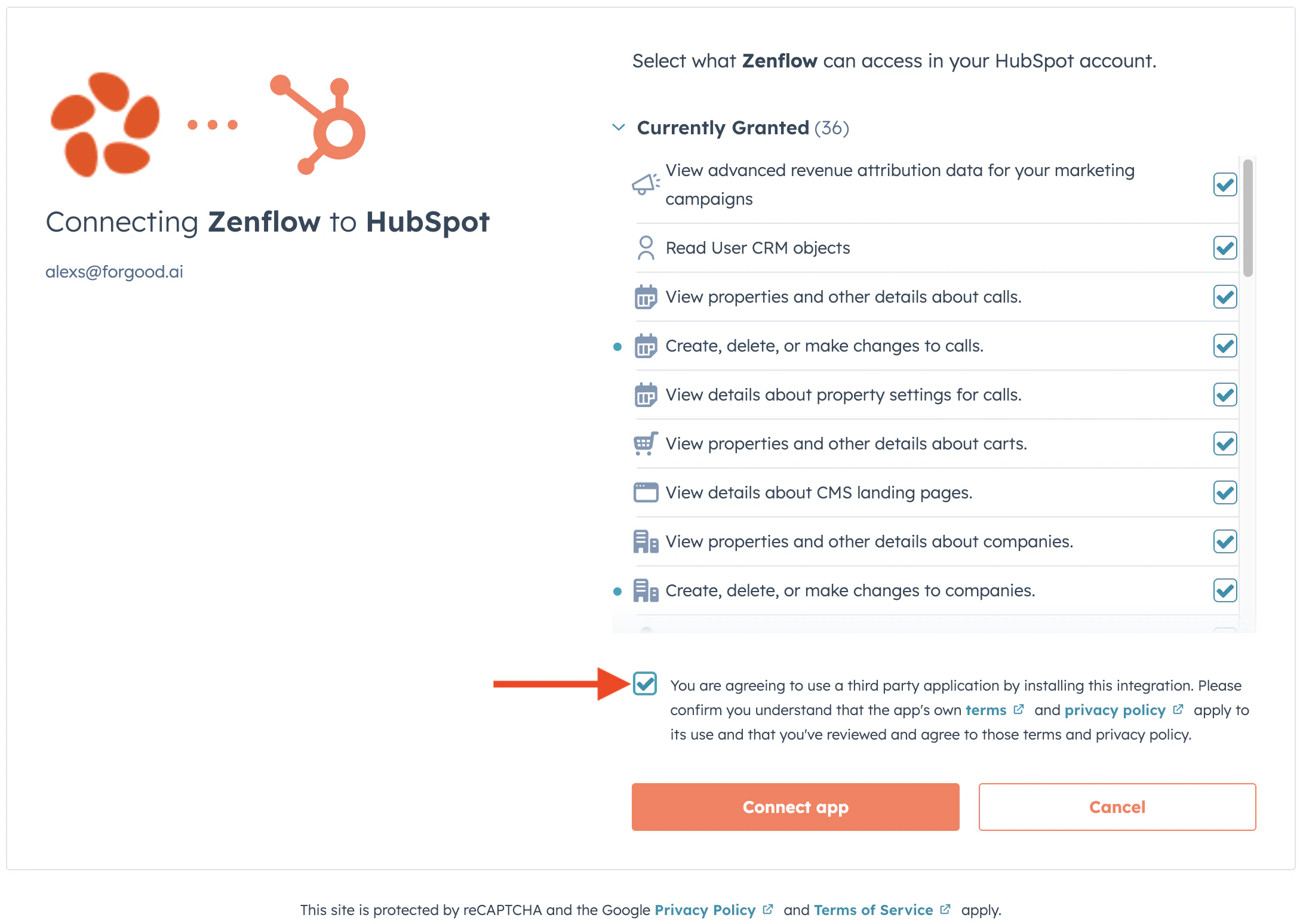
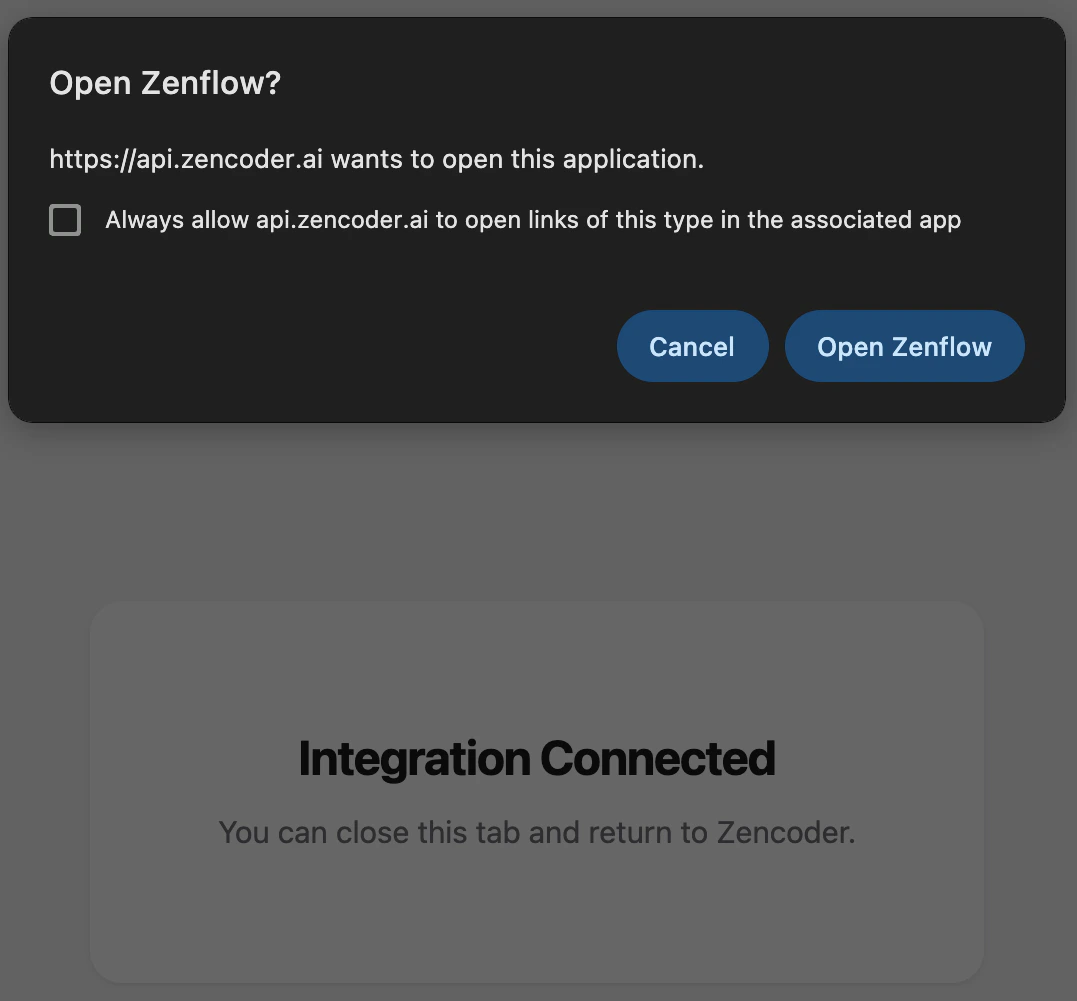

What the Agent Can Do
- Contacts — Read, create, and update contact records and properties
- Deals — Manage deal pipelines, stages, and associated data
- Tickets — Create and update support tickets
- Lists — Manage contact lists and lifecycle stages
- Campaigns — Access email campaign performance data and analytics
- Properties — Query and update custom properties
- Workflows — Trigger and manage HubSpot workflows
Example Use Cases
- Generate weekly pipeline health reports from deal data
- Enrich contact records with research from web and email
- Track campaign performance and surface trends automatically
- Sync deal updates to Notion dashboards or Google Docs