

Documentation Index
Fetch the complete documentation index at: https://docs.zencoder.ai/llms.txt
Use this file to discover all available pages before exploring further.
Overview
The Amplitude integration gives the AI agent access to your product analytics. Query usage data, track user behavior, analyze funnels, and surface insights — all from within a Zenflow task.Amplitude integration is based on Amplitude MCP
Connecting Amplitude
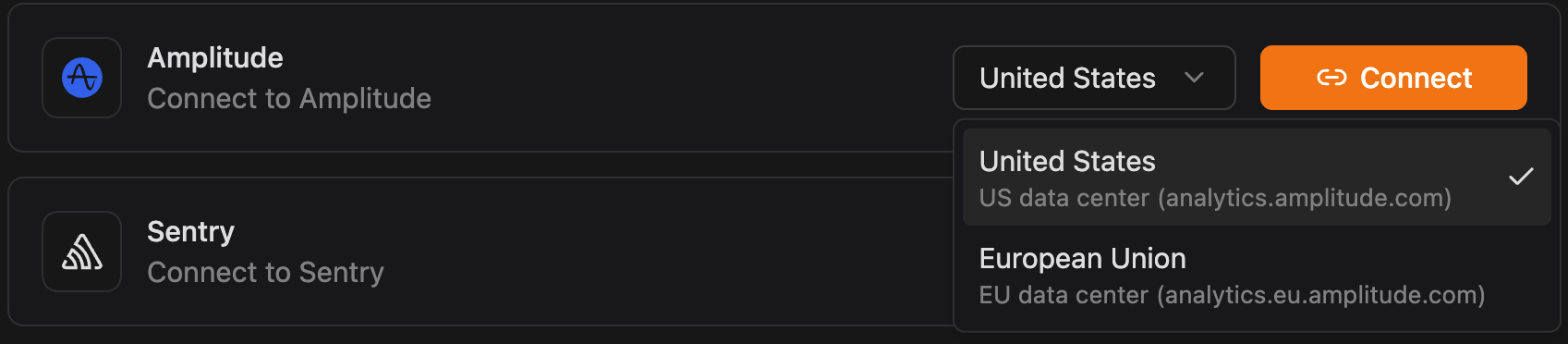
Click Connect
Click Connect and authorize Zenflow to access your Amplitude workspace via the OAuth flow:
Click Authorize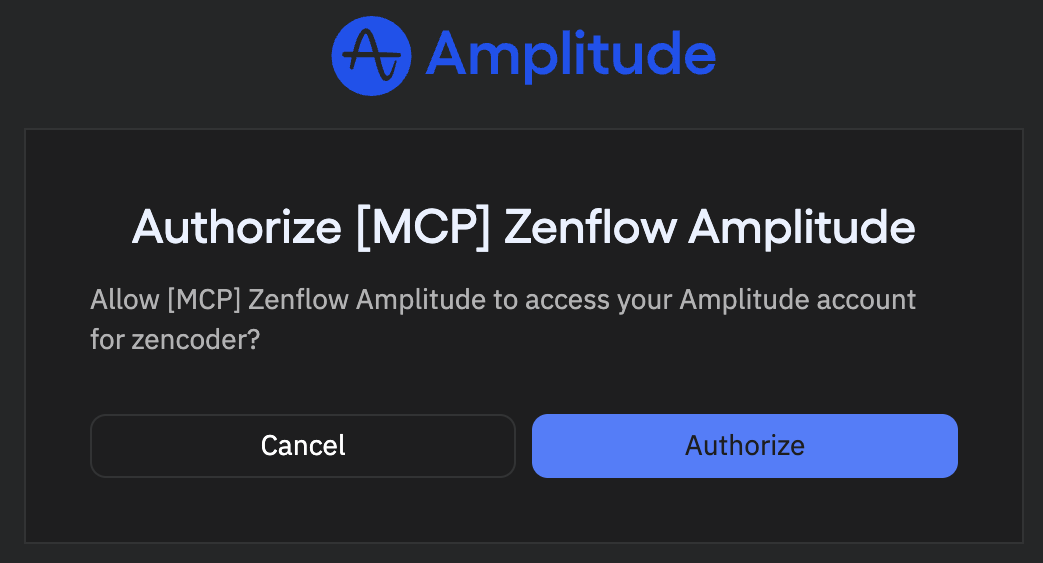
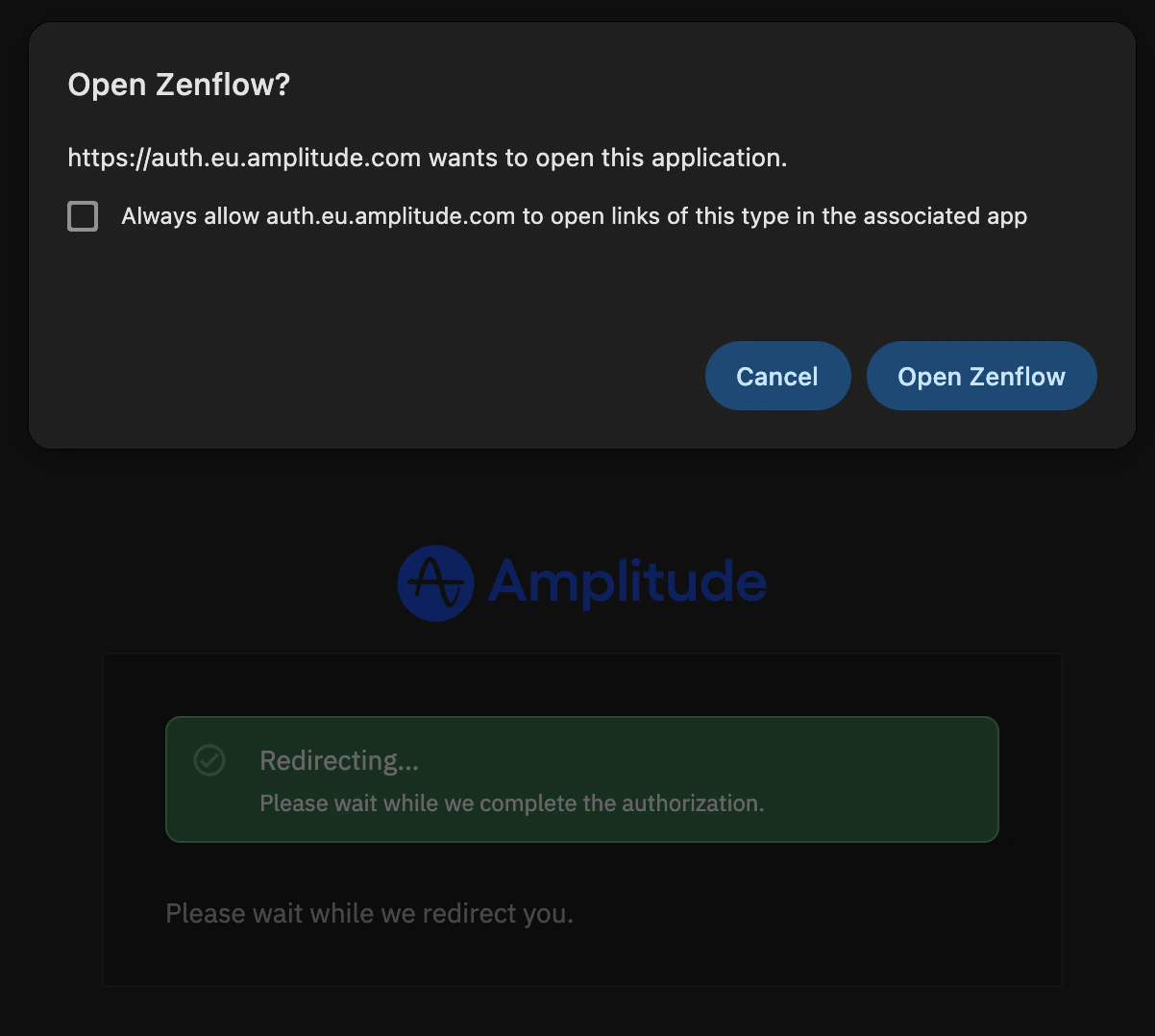

What the Agent Can Do
- Query analytics — Pull usage metrics, DAU/MAU, retention, and engagement data
- Analyze funnels — Review conversion funnels and identify drop-off points
- Track user behavior — Access event data and user journey insights
- Surface trends — Identify usage patterns and feature adoption rates
Example Use Cases
- Generate weekly product usage reports for stakeholders
- Identify features with declining engagement for prioritization
- Pull retention data for QBR prep documents
- Monitor adoption metrics after a new feature launch